
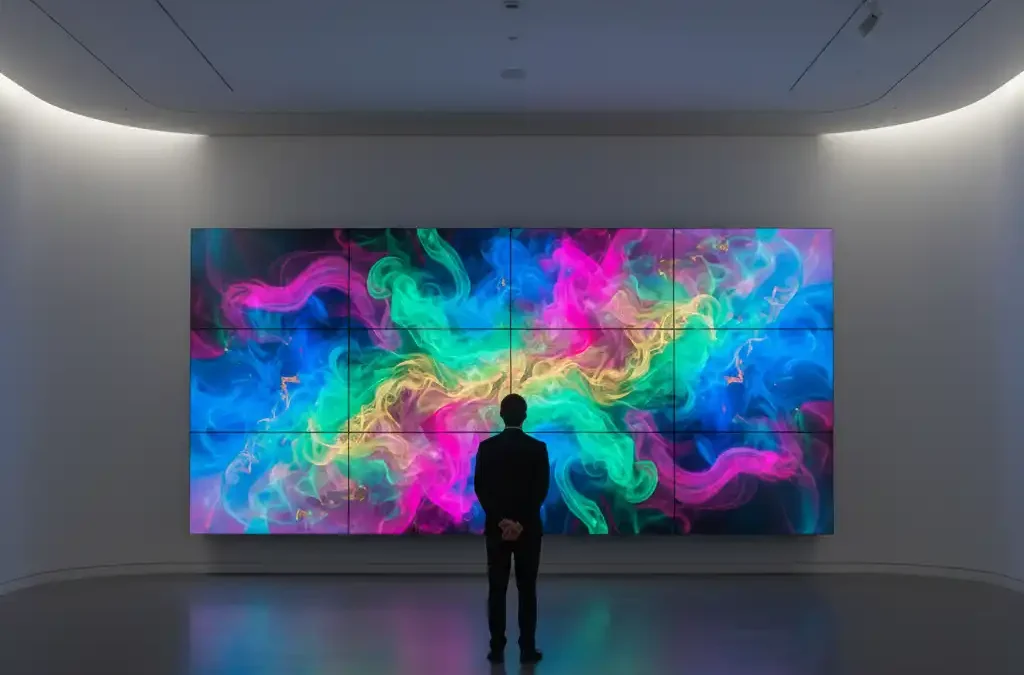
Planning an LCD video wall in Qatar starts with the content people need to read, the viewing distance and the room conditions. A control room displaying dashboards has different requirements from a reception showing promotional video. Qsmart Networks & Communications W.L.L can review your display layout, source equipment and installation requirements before quotation.
What is an LCD video wall?
An LCD video wall combines multiple LCD panels in a tiled arrangement. It can show one image across the wall or several sources through a suitable controller. Panel borders remain part of the design: narrow bezels reduce the interruption between screens, but do not remove it.
Common applications include monitoring rooms, corporate presentation spaces, reception areas and information displays. For text-heavy content, test the smallest labels and numbers from the actual operator position before choosing the screen size and layout.
Specifications to confirm before buying
- Panel layout and resolution: Specify the number of rows and columns, overall dimensions and required source resolution. The controller and signal path must support the intended content and output arrangement.
- Bezel measurement: Ask whether a quoted figure describes one edge, the combined bezel-to-bezel width or the installed gap. Compare the same measurement across proposals and review a representative display.
- Brightness and operating hours: Match the selected model to room lighting and the daily schedule. Continuous operation must be explicitly supported by that model and its installation requirements.
- Inputs and control: Confirm the exact HDMI, DisplayPort or other video inputs, supported resolutions and control interfaces. A network control port does not by itself confirm video transport or Power over Ethernet.
- Colour and alignment: Include panel alignment and brightness/colour adjustment in the installation scope. Agree how uniformity will be checked using representative content.
- Service access: Confirm the mount type, ventilation clearances, wall structure and access needed to replace a panel safely.
Specifications vary between products. For example, the Samsung VHB-E manufacturer page identifies its own operating schedule and bezel dimensions. Use the datasheet for the exact model offered; these figures are not a specification for every LCD wall.
Controllers, sources and network integration
List each source you want to display: PCs, dashboards, signage players, cameras or conferencing equipment. Then define whether each source needs a full-wall view, a fixed tile or a resizable window. The controller specification should cover the required inputs, simultaneous windows, output resolution and switching behaviour.
Conferencing protocols such as SIP and H.323, or remote access through a VPN, belong to the relevant endpoints and network design. They should not be assumed to be built into the LCD panels. Confirm compatibility, licensing and any network security requirements with the selected equipment.
For scheduled content, also review digital signage player compatibility. For presentation and conferencing spaces, see Qsmart’s meeting room planning guide.
LCD or direct-view LED?
Compare both technologies using your actual content, room brightness, wall dimensions and closest viewing position. LCD panel resolution and visible seams affect readability and layout. For direct-view LED, pixel pitch is an important part of the viewing-distance assessment. Neither technology is automatically the better choice for every indoor installation.
Request comparable proposals that include mounting, processing, cabling, power, commissioning and service access. Review the total installed cost and maintenance arrangement alongside the display price. Explore Qsmart’s LCD display solutions and LED display solutions when preparing the comparison.
Installation and acceptance checklist
- Survey the room: Record viewing positions, wall construction, available space, lighting, power and cable routes.
- Agree the design: Document panel models, layout, mounts, controllers, sources and the intended operating schedule.
- Confirm the installation scope: Identify structural work, electrical work, network configuration and access responsibilities before work starts.
- Test real content: Check small text, source switching, simultaneous windows, alignment and colour consistency from the intended viewing positions.
- Plan handover: Request source-routing instructions, shutdown/startup procedures, configuration records and the agreed support contacts.
Frequently asked questions
Can an LCD video wall run 24/7?
Some professional panels are rated for continuous use. Confirm the exact model’s operating-hours rating, ventilation instructions and guidance for static content. An operating-hours rating should not be treated as a guarantee against image retention.
Will the joins between panels be visible?
The panel borders and installed spacing can remain visible. Their effect depends on the bezel dimensions, alignment, content and viewing position. Avoid placing important small text across a join and assess a representative layout before purchase.
Can multiple sources appear at once?
Yes, when the selected controller and signal design support the required number of sources and windows. Confirm this capability in the proposal and demonstrate the intended layout during commissioning.
Can one failed panel be replaced?
A tiled wall can allow individual panel replacement, but access depends on the mounts and installation. Agree the service procedure, replacement availability and any recalibration work in advance.
Discuss an LCD video wall project in Qatar
Send Qsmart your wall dimensions, room photos, viewing distances, operating schedule and source list. These details help define a practical configuration and a clear installation scope.
Call +974 4414 1764 or +974 3061 8161, or email sales@qsmart.qa to discuss your requirements.


