
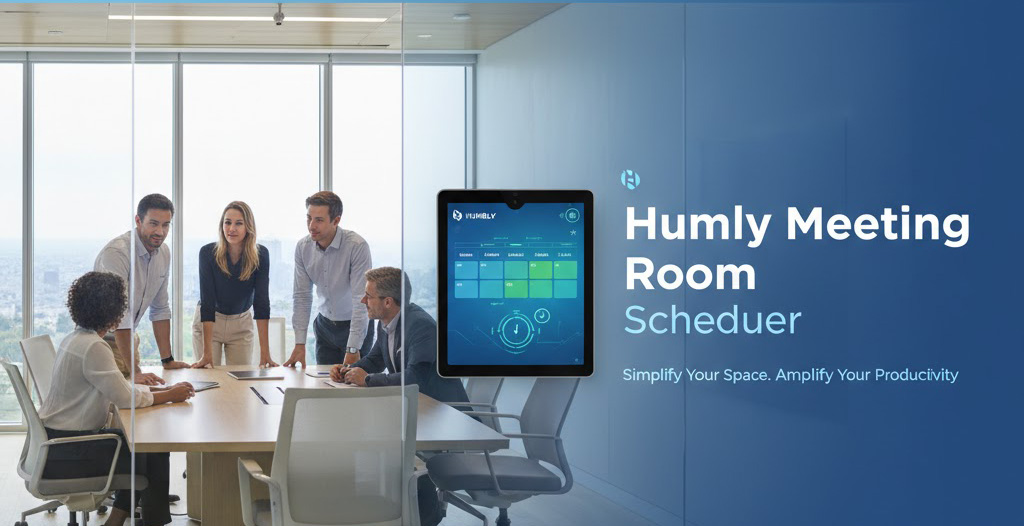
Meeting room schedulers help staff check room availability and manage bookings from a display or booking platform. Qsmart can help Qatar businesses assess room-scheduling options as part of a meeting-room project. The available functions depend on the selected device, software licence, booking platform and network environment.
How a meeting room scheduler works
A room scheduling system connects a room resource in your organization’s calendar environment with a compatible display or booking interface. Depending on the selected configuration, users may be able to view availability or interact with a room panel. Integrations, check-in functions, indicators, touch controls and central management vary by model and software.
What to confirm before choosing a scheduler
- Which calendar or room-booking platform must be supported
- Whether the selected device and software licence support the required integration
- Display size, user interaction and room-status indicators required for the space
- Network, power, mounting and security requirements at the installation site
- Administration, support, warranty and ongoing licence requirements
Specifications and compatibility are model-specific. Qsmart will confirm the selected device, supported integrations, connectivity, power, mounting and management options against current manufacturer documentation and the written quotation before supply.
Humly Room Display (HUM1001): manufacturer specifications
Humly lists an 8-inch, 1024 × 768 IPS capacitive touchscreen, 48 RGB LED indicators, Ethernet, Wi-Fi, NFC/RFID and PoE/PoE+ power for the Room Display (HUM1001). These details apply to this model only. View Humly Room Display technical specifications.
Confirm current Qsmart availability, platform and licence compatibility, included accessories, warranty coverage and installation/support scope in the written quotation.
Planning a meeting room deployment
Start with the number and type of rooms, the booking platform in use, user access requirements and the site conditions. Qsmart can review these requirements and identify a suitable configuration for further evaluation. Installation, configuration, training and support are included only where listed in the agreed scope.
For a wider room-technology project, see our smart meeting room solutions in Qatar and AV solutions. Ask us to confirm current Humly model availability and the documentation that applies to your project.
Frequently asked questions
Will the scheduler work with our calendar platform?
Platform support depends on the selected device, software and licence. Share your current environment so compatibility can be checked against the manufacturer’s documentation before quotation.
Can the room panel be installed on glass or a wall?
Mounting options vary by model and site. Confirm the approved mounting method and any power or network requirements for the selected device before installation.
What features are included?
Touch input, status indicators, check-in, wireless connectivity and remote administration vary by model and configuration. The quotation should identify the included device, software and features.
Discuss a meeting room scheduler in Qatar
Contact Qsmart with your room count, booking platform and project requirements. We will confirm the available options and scope before preparing a quotation.
Request a project quotation or review our meeting room solutions.


